
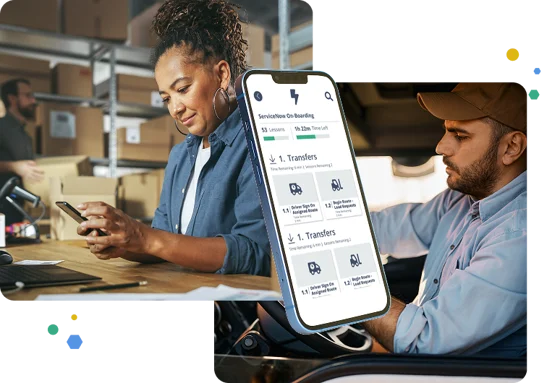
✨ Building on a Better Review Workflow
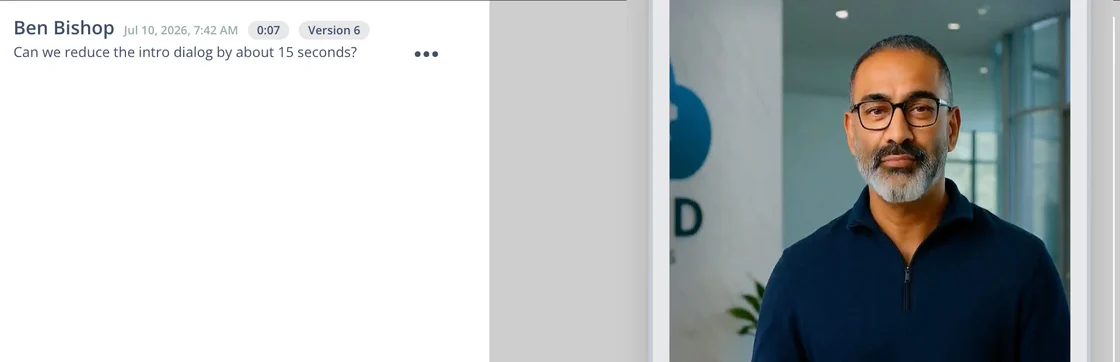
Last month, we introduced commenting in the Lesson Previewer. This month, we’ve extended it — reviewers can now leave comments on videos, bringing every part of a lesson into the same feedback workflow.
We’ve also made a round of improvements to the Screen Library, making it faster to find and reuse the screens you need, along with a batch of polish and fixes across the review experience.
🗨️ Lesson Comments: Now on Videos
Reviewers will now leave comments directly on videos in the Lesson Previewer, just like any other part of a lesson. A badge shows at a glance where open feedback exists, and comments are tied to the lesson itself — so uploading a replacement video won’t erase outstanding feedback.
🖼️ Screen Library Improvements
Finding the right screen to reuse just got easier. The Screen Library now supports filtering by course, module, or lesson — and you can narrow results to show only screens that are (or aren’t) already used in a lesson.
Combined with smoother pagination throughout, locating a screen used to mean scrolling and guesswork. Now it’s a couple of clicks.

🐛 Bug Fixes
Comments composer no longer shifts position while the preview page loads
Send button is now disabled while a comment is posting, preventing duplicate comments
Fixed an issue where a thread was marked complete when adding a comment
The comment list now scrolls to show your new comment after posting
Screen Library pagination now works from any scroll position
Fixed the Screen Library modal rendering incorrectly on half-screen views
Fixed a layering issue with the Screen Library card details menu
👀 Stay Tuned
Work continues on Talkthrough, the new lesson mode we teased last month — more to share as it comes together in the next two weeks.